

You return from a mining trip, empty your inventory into nearby chests, then find your new ore somewhere you didn’t expect. Before you rebuild the storage room, check which stacking mode you’re using. Terraria has two, and they make different choices.
Quick Stack looks for matching items already stored nearby. Similar Stack also tries chests containing related items. Added in Terraria 1.4.5: Bigger & Boulder, that second mode can save sorting time, but it needs a layout that suits broader categories.
Quick Stack And Similar Stack Make Different Choices
Think of Quick Stack as topping up the places you’ve already chosen. If a chest contains Copper Ore, more Copper Ore has an obvious home. When you bring back a material you haven’t stored before, place its first stack yourself if you want to control exactly where it belongs.
Similar Stack goes further. Re-Logic’s example is Iron Ore going into a chest containing Copper Ore. That’s useful when you want one general ore chest. It’s less helpful when you’ve deliberately separated materials into smaller groups.
| Storage Choice | Quick Stack | Similar Stack |
|---|---|---|
| More of an existing item | Looks for a matching item | Includes matching items |
| A different type of ore | Seed its intended chest manually | Can use a related ore chest |
| Best fit | Specific, deliberate storage | Broader material categories |
Neither mode reads your chest names as instructions. Calling a box “Building Supplies” helps your friends understand it, but it doesn’t define a custom sorting rule. Keep unrelated leftovers out of carefully arranged chests so their contents reflect their purpose.
How To Switch The Nearby-Chest Mode
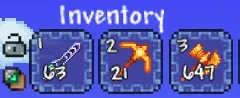
On desktop with a mouse, open your inventory and right-click the Quick Stack to Nearby Chests button to switch between modes. Check the tooltip before activating it, especially if the results suddenly seem different from your usual routine.
Use Quick Stack when you want to preserve a detailed storage system. Try Similar Stack when you’re happy for related materials to share a chest. You can change your choice without rebuilding the room, so start with a small inventory and check where everything lands.
Favorite the items you still need before unloading. Terraria protects favorited inventory items from being stacked into chests, which helps keep your regular supplies with you. Check that protection before clicking, rather than assuming everything you want to carry will stay put.
These controls describe vanilla desktop Terraria. Controller, console and mobile interfaces differ, so don’t treat the mouse instruction as a universal button combination.
Try A Three-Chest Storage Example
A small test makes the difference easier to follow than a wall of full chests. Use ordinary materials and leave plenty of space in each container.
- Put Copper Ore in one chest and Stone Blocks in a second. Leave a third chest empty. Carry more Copper Ore and some Iron Ore in your main inventory.
- Stand beside the chests and use Quick Stack. Check each chest and your inventory. The existing copper stack gives matching Copper Ore a destination.
- Restore the starting contents and carried items. Switch to Similar Stack and repeat from the same spot. Look for Iron Ore joining the Copper Ore, following the related-ore behaviour described by Re-Logic.
The empty chest is a useful comparison. Don’t rely on either mode to invent a purpose for it. Open it yourself, add the materials you want there, then check your next deposit. If the results differ, keep the test small while you check the selected mode and game version.
For precise storage, manually start a stack of each new material in its intended chest. Keep one example there when you can, rather than repeatedly emptying every slot. That gives your next Quick Stack pass a matching item to find when you return with more.
Keep Storage Close To Crafting Stations
Build the storage room around the route you use after exploring. Put frequently used materials near your crafting stations, with room to stand beside the chests. Keep personal equipment somewhere distinct from communal supplies so your group knows what’s available.
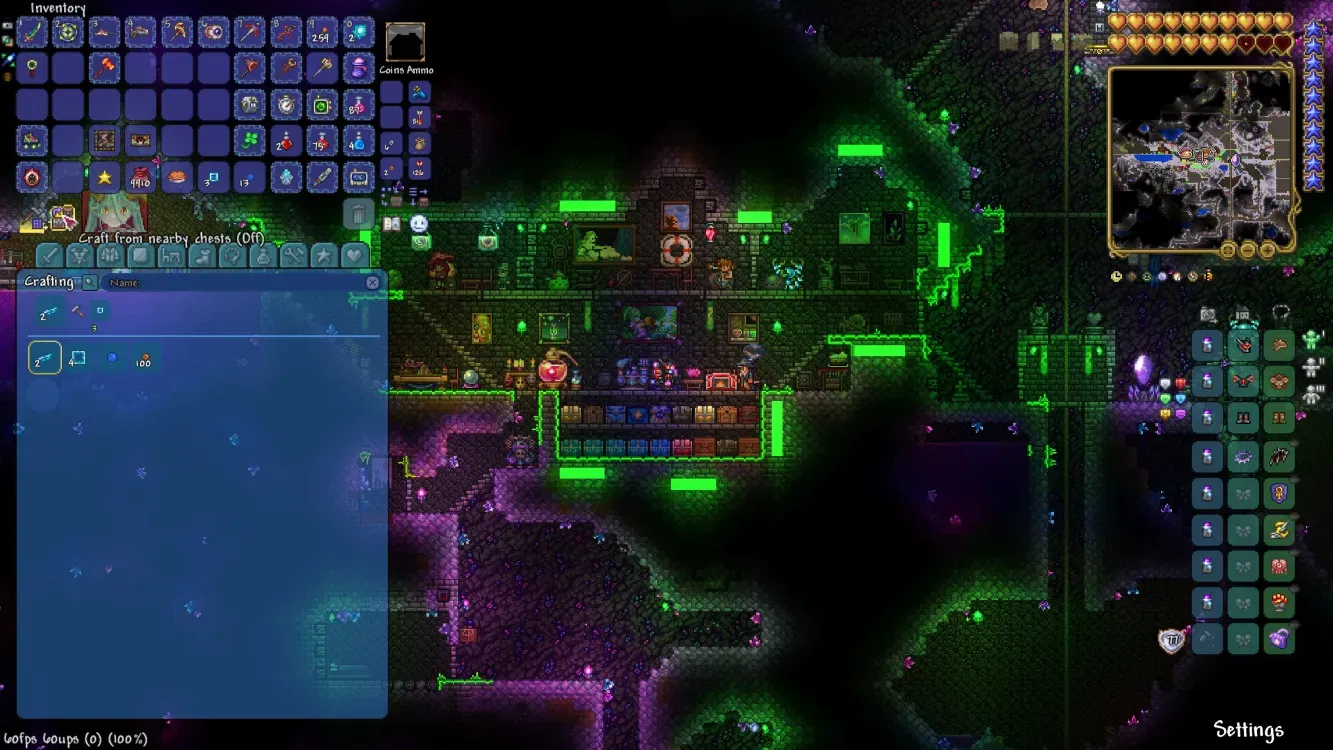
Terraria 1.4.5 also lets you craft using materials in nearby chests. That’s a separate feature from stacking: one supplies ingredients to crafting, while the other moves carried items into storage. Changing the crafting toggle won’t choose a different sorting mode.
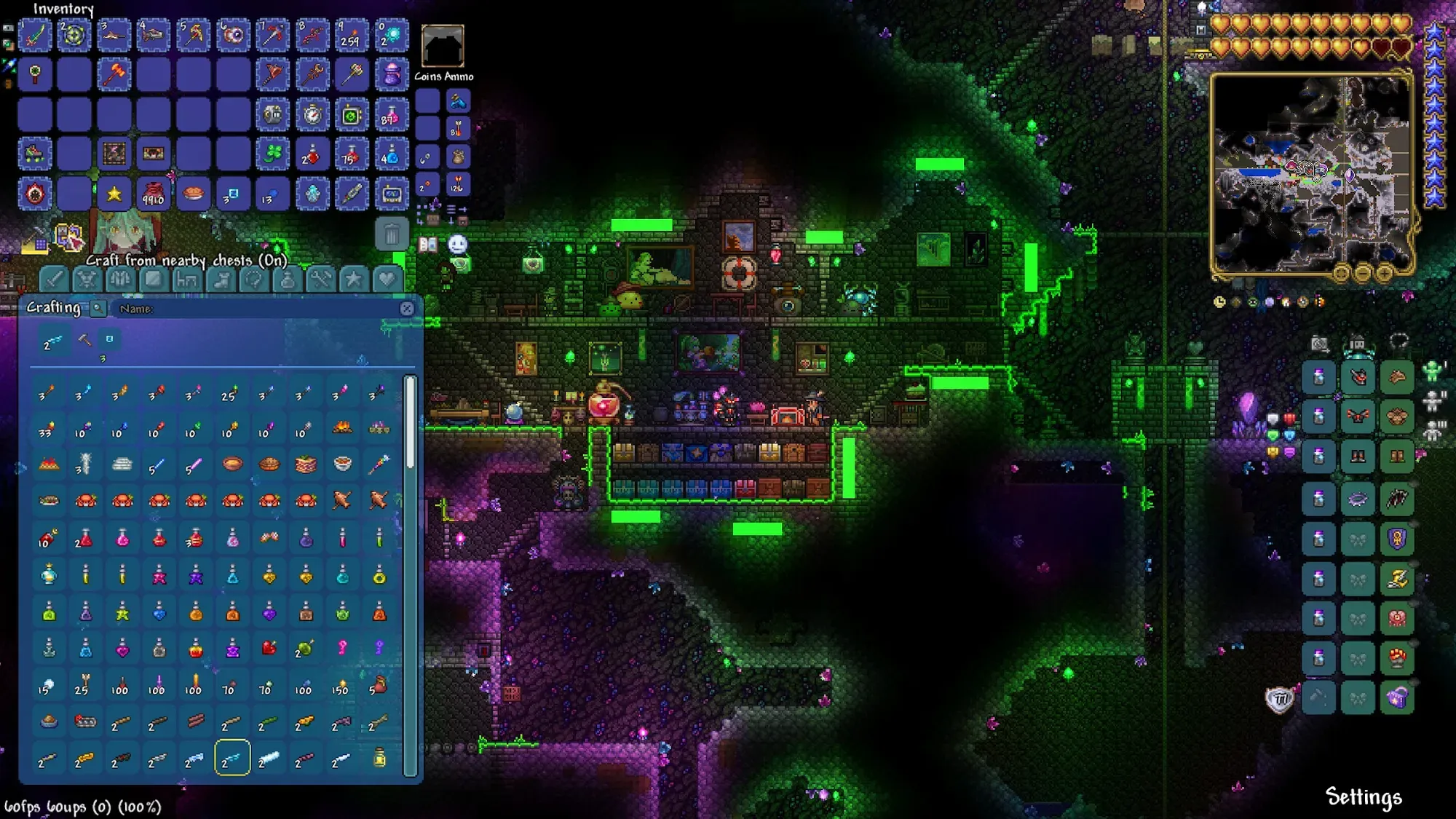
If two players organise the same room differently, choose one shared plan before expanding it. A small, clearly understood set of chests is easier to maintain than several overlapping boxes that everyone uses differently.
Agree on broad categories before everyone starts depositing loot. Clear shared storage gives builders and explorers useful jobs between boss fights, which helps keep a Terraria multiplayer world fun for longer. For a larger group, set a message of the day with a short reminder about the storage room.
Check Shared Chest Access And Version-Specific Bugs
If some items stay in your inventory, check whether another player has the intended chest open. Terraria 1.4.5 added a visual indicator for chests that Quick Stack can’t use because someone else is accessing them. Ask them to close it, then try again before moving your storage.
When something lands in an unexpected place, inspect the nearby category chests first. Unexpected placement and actual item loss need different checks. Record the mode, platform, version, and starting contents if you can repeat a problem.
Older console and mobile hotfix notes include a fix for items lost when Similar Stacking into a full chest. Keep that history attached to its platform and version. If you need to change your Terraria server version, back up the world first and match the server to your group’s clients.
Organise A Shared World With Pine Hosting
With our Terraria server hosting , your group can return to the same world when the original host’s PC is offline. Build a shared workshop, give new materials a clear home, and leave the next player enough supplies to carry on. Pine Hosting’s backup manager also gives you a way to protect the world before a major storage rebuild or your next building session.