

Rust added mirrored versions of L-shaped and U-shaped stairs in the Printed and Polished update, released on November 5, 2026. This means players can now change the direction their stairs turn without having to rebuild parts of their base.
Here's how to flip and rotate stairs on a Rust server, including what to do if something blocks the change.
| Action | Key or tool | When you can do it |
|---|---|---|
| Rotate while placing | R | Before you place the stairs |
| Flip while placing | SHIFT + R | Before you place the stairs |
| Flip placed stairs | Hammer | Within 10 minutes of placing them |
| Rotate placed stairs | Hammer | Within 10 minutes of placing them |
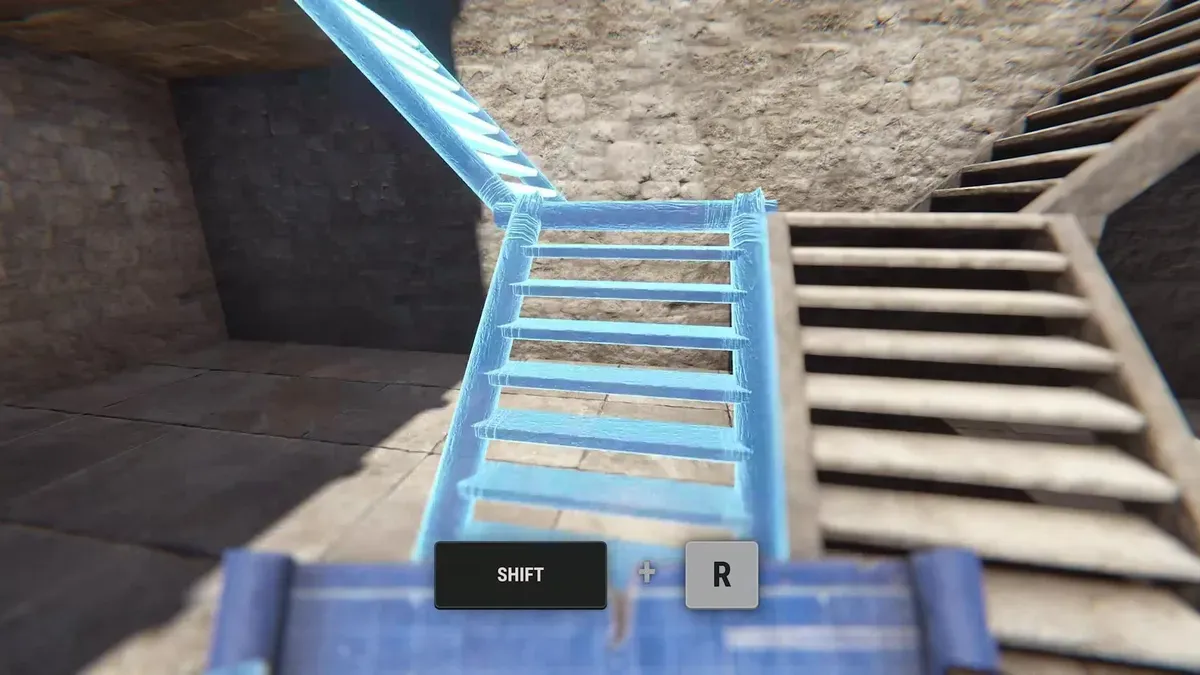
How To Flip And Rotate Stairs Before Placing Them
- Equip your Building Plan, hold right-click to open the building menu, and select L-Shaped Stairs or U-Shaped Stairs.
- Aim at a square foundation or floor where you want to place the stairs.
- Press
Rto rotate the stairs until they face the direction you want. - Press
Shift + Rto switch to the mirrored version if you want the stairs to turn the opposite way. - Once you're happy with the orientation, left-click to place the stairs.
How To Flip L And U Stairs After Placing
You can also flip L- and U-shaped stairs using a hammer within 10 minutes of placing them. The 10-minute window starts immediately after placement, so make any adjustments before building around the stairs.
- Equip your hammer and aim at the stairs you want to flip.
- Hold right-click to open the hammer menu.
- Use
QorEto switch between the Flip and Rotate options, then select Flip. - Check the stairs to confirm they turn in the direction you want.
How To Rotate L And U Stairs After Placing
L- and U-shaped stairs can also be rotated during the same 10-minute window. Equip your hammer, open the hammer menu, and use Q or E to select Rotate instead of Flip.
Rotating changes which direction the stairs face, while mirroring changes which way they turn.
Why Your Stairs Won’t Flip Or Rotate
If your stairs won't flip or rotate, check the following:
- The 10-minute window has passed: The hammer's Flip and Rotate options are only available shortly after placing the stairs.
- Something is blocking the stairs: The Building Plan can now display messages such as "Blocked by X" to identify nearby objects preventing placement. Deployables or building blocks can also prevent changes to existing stairs.
- You don't have building privilege: If the area is protected by a Tool Cupboard, make sure you're authorized to build there.
- You see "Line of sight blocked": Although the November update addressed false line-of-sight errors on L, U, spiral, and triangle spiral stairs, you may still encounter this issue. If your view seems clear, try changing your position or checking for nearby obstructions.
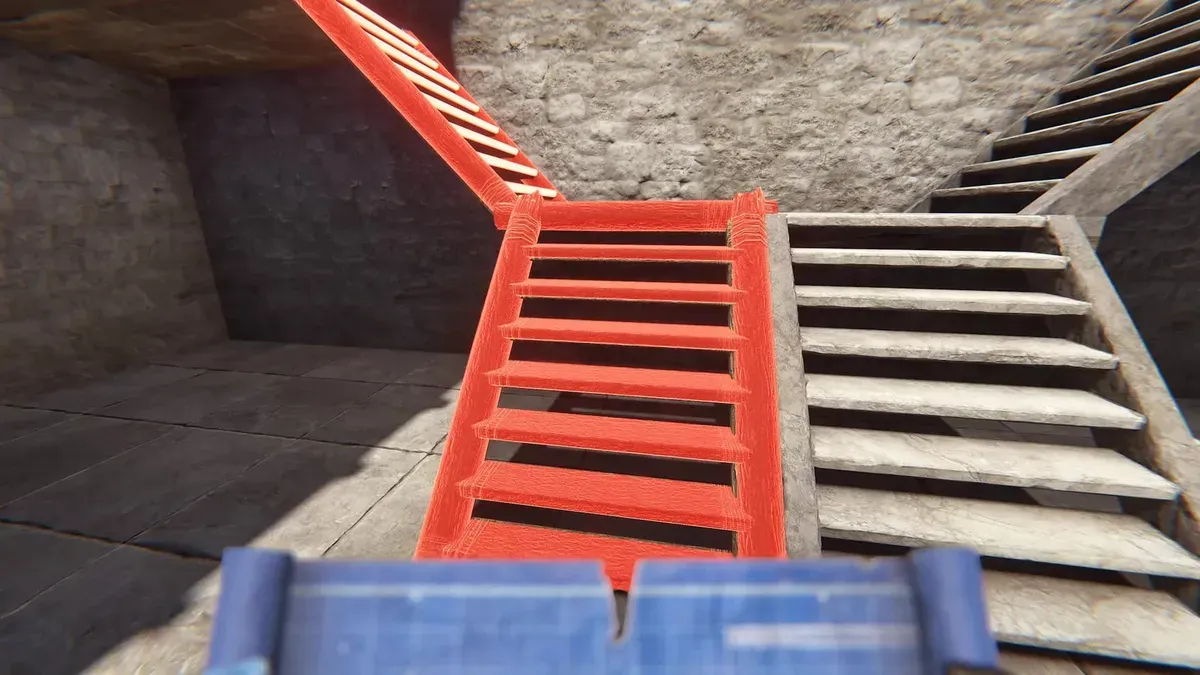
If the problem only appears with a particular building skin, try the standard L- or U-shaped stairs in an open area. This can help you identify whether the issue is related to the selected variant or something blocking the original location.
Tips For Placing L And U Stairs
- Test in twig first: Twig L- and U-shaped stairs cost 50 wood, making it inexpensive to experiment with different orientations before committing to a final layout.
- Place nearby deployables before upgrading: While your stairs are still twig, position your storage boxes and other deployables around them. This lets you test your intended layout before committing resources to upgrading the staircase.
- Make sure you can rebuild your stairs: Before upgrading, demolish the twig staircase within the demolition window and try placing it in the same spot again. If the nearby deployables you previously placed block the stair placement, rearrange them and test again. This helps ensure you can replace your stairs if they're destroyed during a raid.
Plan Your Next Base With Pine Hosting
With our Rust server hosting, you can plan and test base layouts with friends before the next wipe. Our Easy Config lets you manage server settings through the Pine Panel, while the Plugin Installer gives you access to supported plugins for customizing your server.
Our support team is also available 24/7 if you need help setting things up.