

FiveM Server
Hosting
$ 3.00 /month
 Excellent
 Our FiveM Packages
Choose from our recommended FiveM packages
Custom Plan
Need something different? Customize your plan by selecting exactly what you need!
Dedicated Hosting
Need more performance? Choose from our range of dedicated server options!
Our FiveM Hosting Features

Powerful
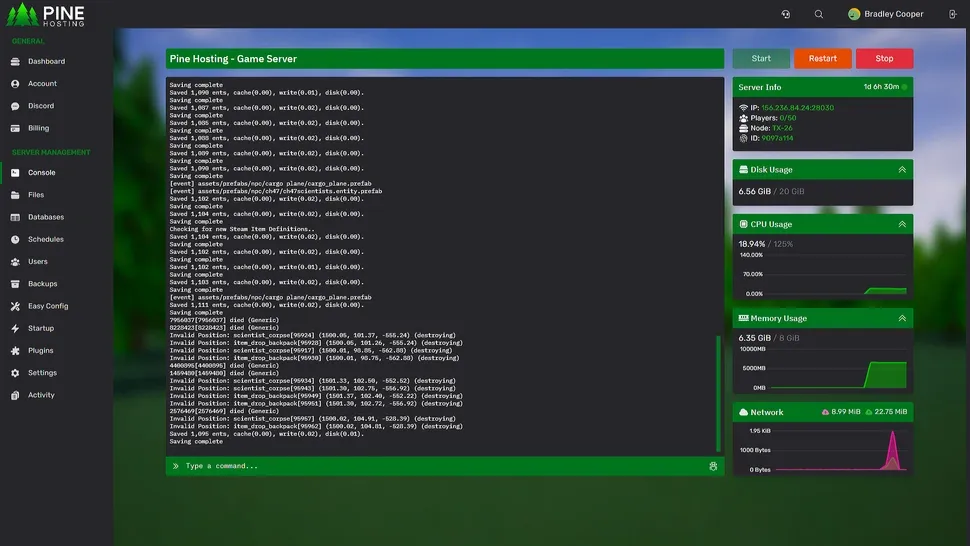
Console

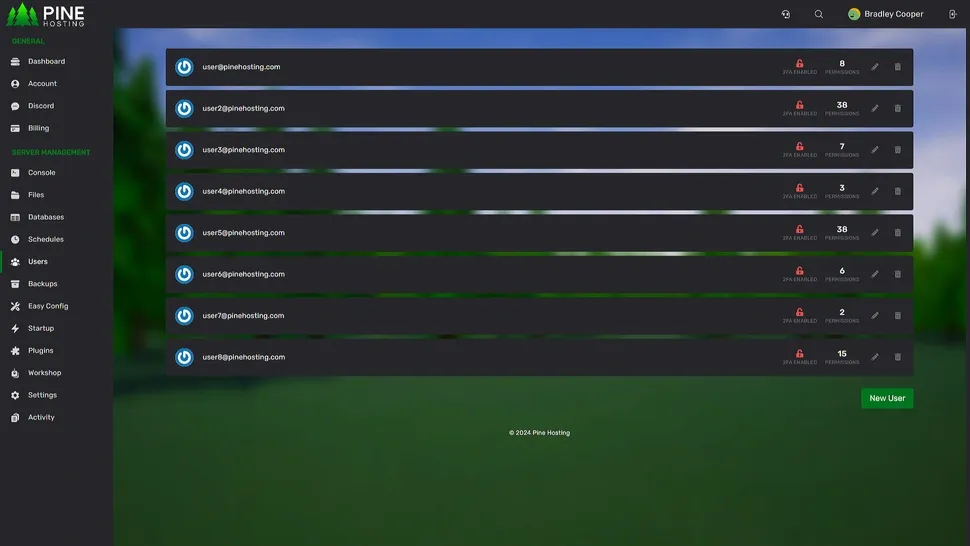
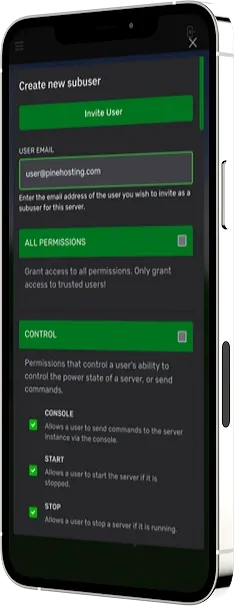
User
Control

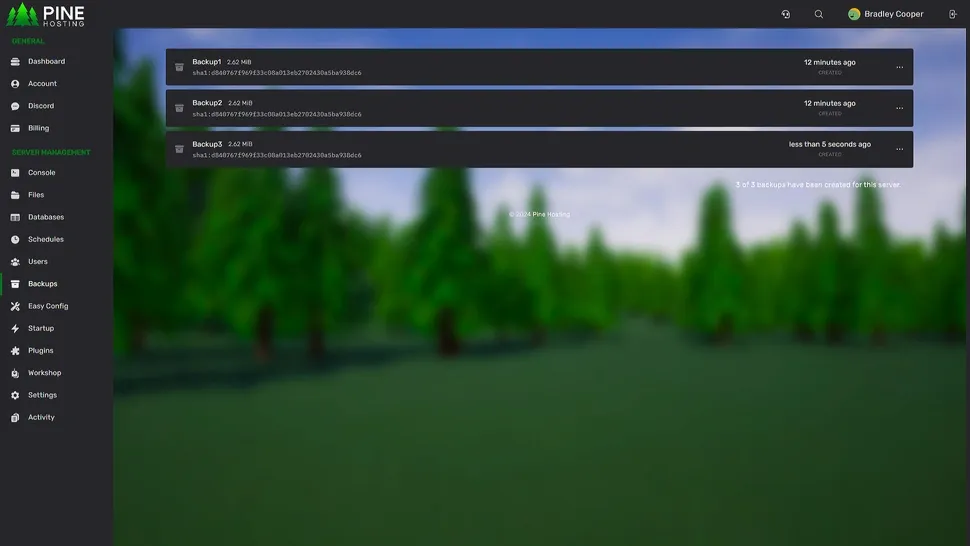
Backup
Manager

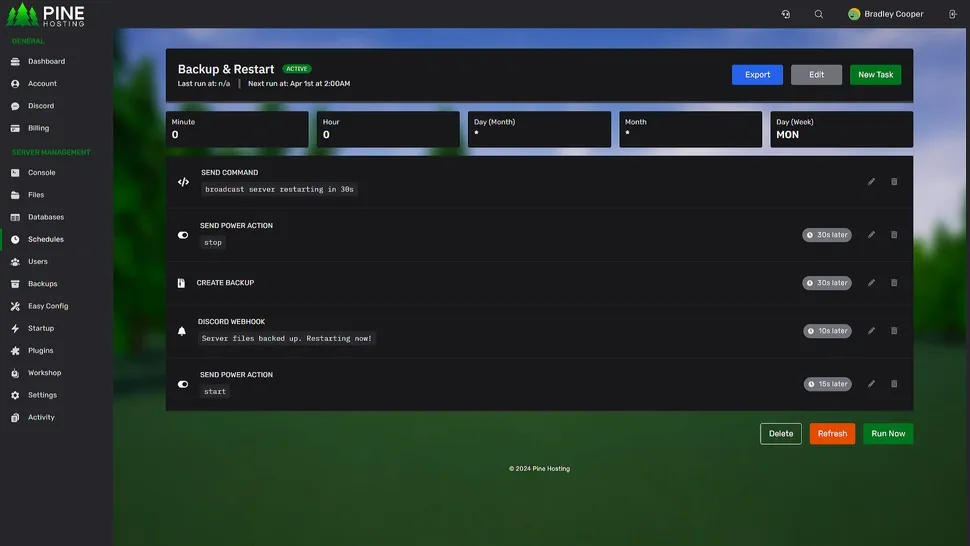
Task
Scheduling

File
Manager
Why Choose Pine Hosting For Your FiveM Server?

High Performance
Nobody likes lag. That's why performance is our top priority, our systems use the latest hardware available and are constantly maintained so you never worry.

99.99% Uptime
Our servers are maintained at the highest industry standard to provide you with a stable connection at all times. No matter what, we will keep your servers online.

DDoS Protection
All of our dedicated and game servers come with secure DDoS protection built-in for free. Stay focused on what matters while we handle everything else.

Easy To Use
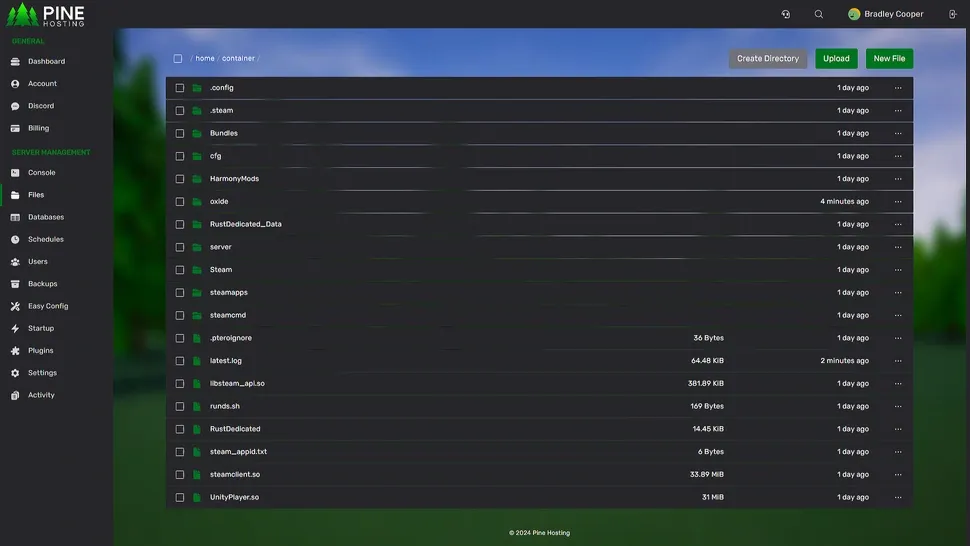
Our bespoke game panel allows you to manage your servers no matter your experience level. This ranges from an Easy Config Manager to a Detailed Scheduling System.

Instant Deployment
All our game servers are instantly deployed upon payment, thus allowing you to begin hosting your game servers in just a few clicks, without any fuss.

24/7 Support
Our support team consists of developers and experienced server owners who are ready to help you with any issues. We want your servers to thrive!
How To Host A FiveM Server
Creating your own dedicated FiveM server can be a complex and costly task. At Pine Hosting, we make this simple with our next-generation hardware and custom game panel, allowing you to set up your own FiveM server instantly. We handle all the DDoS protection, security updates, and maintenance so you can focus on making the best FiveM server possible. Simply power it on via our easy-to-use control panel - no complex commands or coding required! This lets you play FiveM with friends, without worrying about the technical aspects of hosting. Buy our FiveM package and your server will be ready in minutes.
Build A FiveM Community
Whether you want to play privately with friends or build a massive multi-server FiveM RP network, we are here to support you at every step. With our powerful machines and industry-leading tools, your FiveM server hosting journey will be hassle-free.

The Best FiveM Server Hosting
Our FiveM servers are powered by top-tier components, ensuring exceptional performance and reliability. This hardware guarantees fast load times, smooth gameplay, and a seamless experience for players. With our experienced team available 24/7, you don't need to worry about technical challenges. This means more time to play and less time troubleshooting!
Dedicated FiveM Hosting
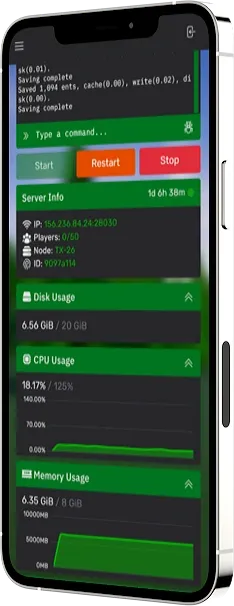
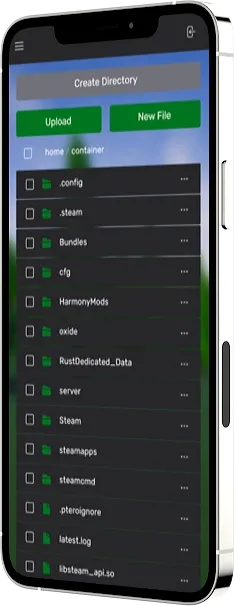
As the leading FiveM server host, we offer a suite of easy-to-use features directly integrated into our control panel. You can manage your FiveM server from any device, at any time. We've simplified the FiveM dedicated hosting experience with a more intuitive, user-friendly panel. Whether you're setting up resources, configuring permissions, or managing backups, our control panel makes it all easy with features like simple configuration for easier settings. Paired with our premium dedicated hardware and top-notch networking, we ensure your FiveM server stays lag-free 24/7.

About FiveM
FiveM is a modification framework for Grand Theft Auto V, enabling you to play on customized multiplayer servers. Whether you're building an immersive roleplay server, racing league, or unique gamemode, FiveM gives you the tools to take GTA V to the next level - hosted by you and powered by your creativity.
Complete Control
Owning your own FiveM server gives you total control over your hosting experience. With our cutting-edge tools and unmatched performance, you have the freedom to manage every detail. With Pine Hosting, you can rest assured that your FiveM server is reliable, secure, and optimized for the ultimate gameplay experience.

Customer Reviews
Here is what our customers have to say about their experience

Aaron
Customer Testimonial
I'm new to game hosting and I made a lot of mistakes when starting out but thankfully their support would always respond to my tickets superfast and get my issue fixed quickly. I really highly recommend these guys and Pine Hosting to everyone and especially beginners because of their support 11/10
Karl
Customer Testimonial
Setting up the server was super straightforward, and their YouTube tutorials were very helpful. When I ran into some problems with plugins, their customer support responded swiftly and fixed the issue in under 10 minutes which is crazy good compared to all of the other hosts I have tried.
Richard
Customer Testimonial
In my view, Pine Hosting offers the most outstanding Game Server Support I've encountered. Their team is exceptionally helpful, prompt, and courteous. The service quality is excellent, and both their team and Discord server are highly organized. Pine Hosting definitely deserves more recognition for this.
Leighton
Customer Testimonial
Amazing support - Incredibly quick and understanding! I've tried other servers before, but I always hit roadblocks and quit. The Pine Hosting team is just a click away and always ready to assist. Highly recommended for anyone new to starting their own server and experienced server owners too!