

When players talk about lag, rubberbanding, or random server crashes in Rust, the conversation usually jumps straight to hardware specs. But in reality, how players build and where they build often matters just as much as raw CPU power.
Base density, map size, and player behavior all stack together to define how hard your server has to work. If you’re running or planning a Rust server rental, understanding these factors can save you money, headaches, and angry players.
This guide breaks down exactly how base density and map size affect Rust server hosting, what problems they create, and how to stay ahead of performance limits.
How Base Density Affects Performance In Rust Server Hosting
Base density refers to how many structures are built within a given area of the map. In Rust, every wall, door, turret, electrical component, and storage box is a server-side entity that must be tracked and updated constantly.
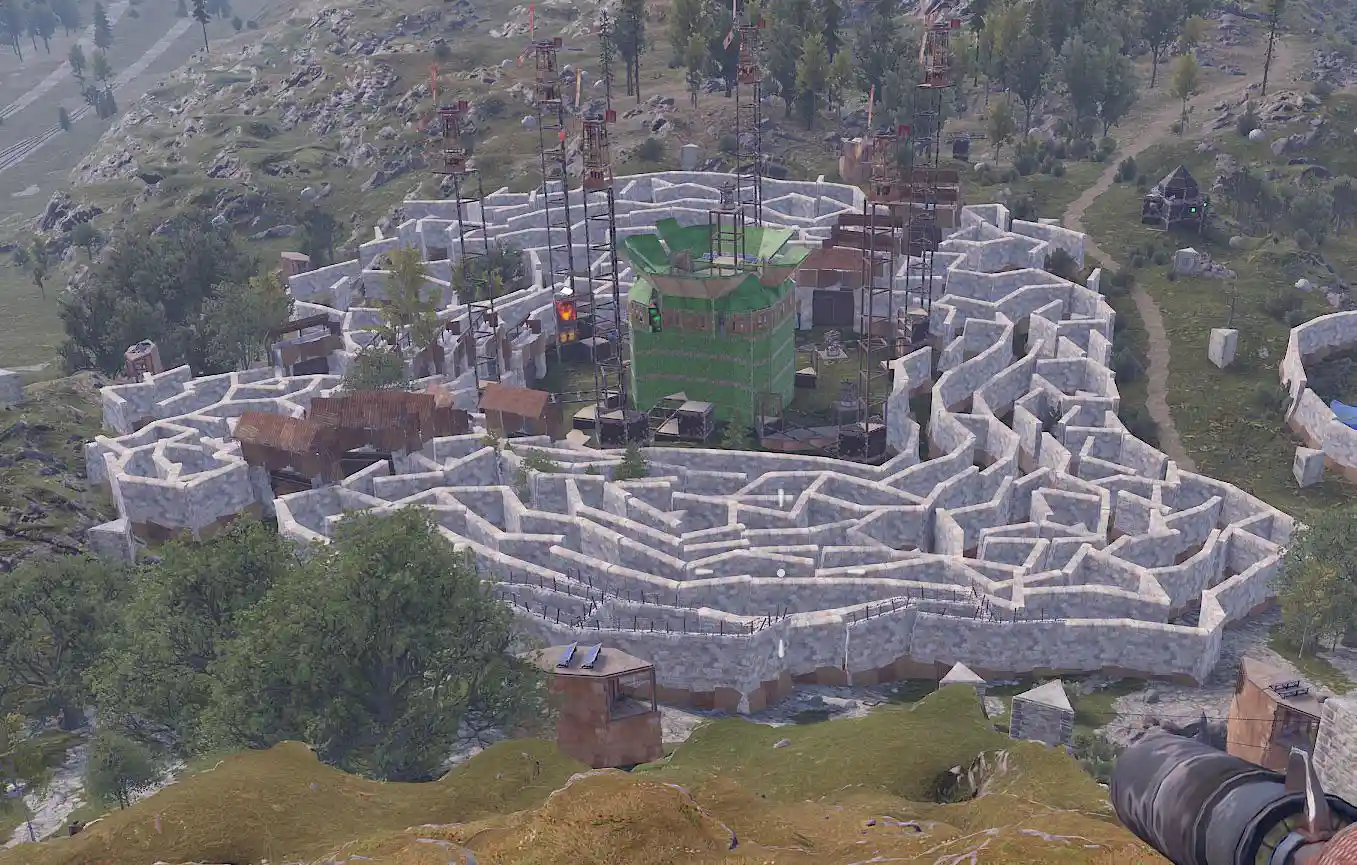
High-density base areas cause performance strain because the server must:
- Process decay timers for hundreds or thousands of building blocks
- Track tool cupboards, upkeep calculations, and building privilege zones
- Handle electrical logic (switches, timers, turrets, lights)
- Resolve player interactions like opening doors, placing locks, or upgrading blocks
When multiple large compounds are built close together, the server experience spikes whenever players enter or fight in that area. This is why FPS drops and server lag often feel “localized” around clan bases or monuments surrounded by compounds.
In short: fewer, larger, spread-out bases are far easier on a server than many tightly packed ones.
Why Larger Maps Create Stability Challenges For Rust Servers
Map size directly affects how much data your Rust server must manage at all times. Larger maps mean more terrain, more monuments, more spawn zones, and more potential base locations, even if players aren’t everywhere at once.
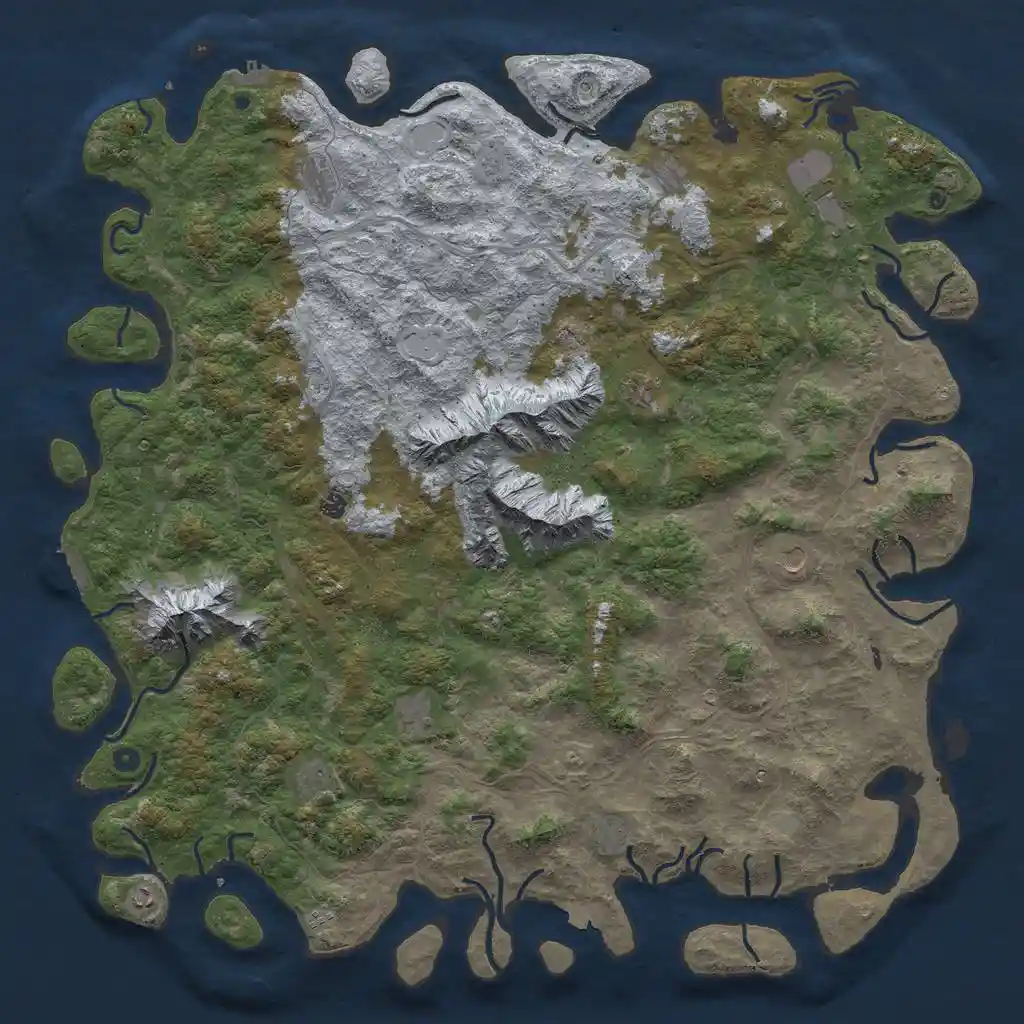
Large maps increase server load by:
- Expanding AI spawn and navigation systems
- Increasing terrain and world data stored in memory
- Raising save file size and autosave duration
- Extending wipe load times and restart times
A 6K map with low population may run fine, but combine that same map with high base density and frequent PvP, and you’ll start seeing stability issues and increased RAM usage. This is where many Rust server rentals hit unexpected performance walls.
Choosing a map size that matches your expected player count is one of the most effective optimization steps you can make.
How Player Population And Base Clustering Increase Server Load
Player count doesn’t just affect network traffic, it multiplies every other performance cost on your server.
More players means:
- More bases being built
- More deployables and entities
- More AI engagements
- More combat calculations per second
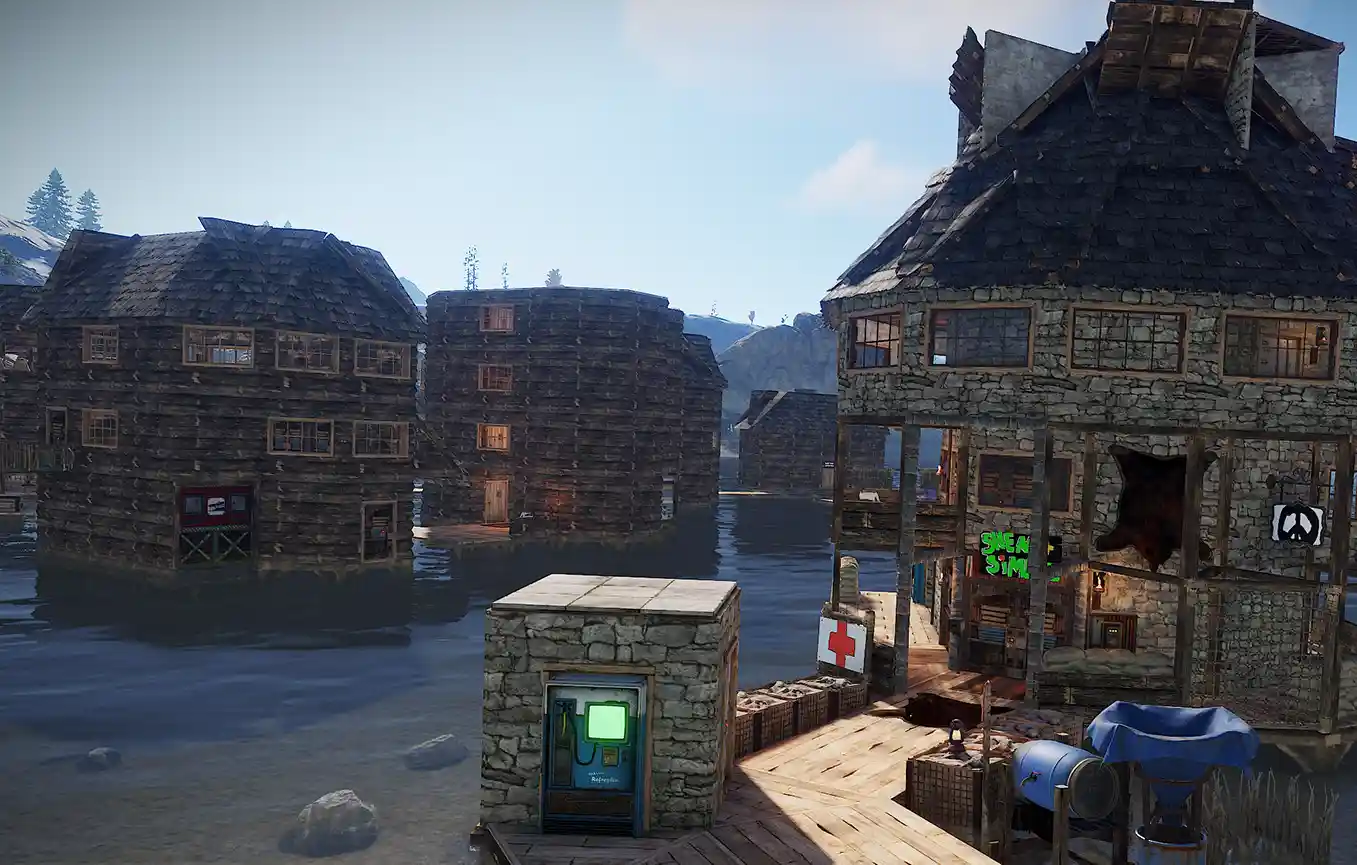
The real problem appears when players cluster together. Popular monuments, safe zones, and high-tier loot areas attract heavy base concentration. The server must then process dozens of players interacting with thousands of entities in the same grid squares.
This is why two servers with the same population can perform very differently. A server with evenly distributed solo and duo bases will often outperform a server where everyone builds mega-compounds around a single area.
Common Lag And Stability Issues On High-Density Rust Servers
When base density, player count, and map size are out of balance, server problems become unavoidable. Common symptoms include:
- Rubberbanding during combat or raids
- Delayed interactions (doors, furnaces, boxes opening late)
- Server FPS drops when entering dense base zones
- Long save times causing periodic freezes
- Crashes or forced restarts during peak hours
These issues aren’t always solved by adding more RAM or CPU. Without addressing density and map design, even high-end hardware can struggle.
This is why tools like a Rust RAM calculator are useful, they help estimate baseline requirements, but real-world performance still depends heavily on player behavior.
When Rust Server Rental Plans Reach Their Performance Limits
Every Rust server hosting plan has practical limits, even if it looks powerful on paper. Problems start when:
- Base counts exceed what the CPU can process per tick
- Save files grow too large for fast autosaves
- AI and electrical systems stack uncontrollably
- Peak player counts overlap with heavy raid activity
At this stage, upgrading hardware alone may offer diminishing returns. Optimizing map size, plugins, and enforcing base limits, often delivers better results than simply adding more resources.
Understanding these limits early helps you avoid sudden performance collapse mid-wipe.
When To Choose A Dedicated Machine For Your Rust Server
When a Rust server is expected to handle large maps, heavy plugin usage, or high entity counts, shared hosting environments can quietly become a bottleneck even if the advertised specs look sufficient.
On shared machines, your Rust server competes with other servers for CPU time. These are often called noisy neighbours. If another server on the same node experiences a spike, such as a raid-heavy wipe or intensive background tasks, your server can be affected immediately.
This is especially noticeable when your server includes:
- Large procedural maps (5K to 6K and above)
- High base density or clan-focused gameplay
- Plugin-heavy setups like economies, events, custom AI, or complex UI systems
- Custom maps with additional monuments and map entities
In these cases, CPU consistency matters more than raw RAM alone. Even if a Rust RAM calculator suggests enough memory, unstable CPU access can still cause tickrate drops, lag spikes, and inconsistent performance during peak hours.
Choosing a dedicated server removes noisy neighbours entirely. Your Rust server gains exclusive access to CPU resources, more stable performance under load, faster save cycles, and far more predictable behavior during raids and busy play sessions.
This option is often the most reliable choice for long-term servers that prioritize stability and smooth gameplay over squeezing into shared environments.
Run A More Stable Rust Server With Pine Hosting
A stable Rust server isn’t just about raw specs, it’s about balance. The right hosting partner helps you scale intelligently, not blindly.
With Pine Hosting, Rust servers are designed with real-world gameplay in mind. That means:
- Hardware optimized for high entity counts
- Flexible plans that scale with population and map size
- Guidance on avoiding density-related performance traps
- Infrastructure built specifically for Rust server hosting, not generic game servers
Whether you’re running a small community server or a high-population PvP wipe, smart planning combined with the right host makes all the difference.
If you want fewer crashes, smoother wipes, and happier players, balancing base density and map size is step one, and having the right hosting partner makes every step after that easier.
